 USD
USD EUR
EUR GBP
GBP CAD
CAD AUD
AUD HKD
HKD JPY
JPY KRW
KRW SGD
SGD NZD
NZD THB
THB TWD
TWD 繁體中文
繁體中文 日本語
日本語 한국어
한국어 Français
 Español
 Deutsch
 Nederlands
 English



By SvicloudTV BOX | 29 August 2024 | 0 Comments
What Should I Do When My SviCloud TV Box is Stuck On The Logo Page?
Recently we have been receiving questions and complaints worldwide, which they found that their SviCloud TV box is stuck on the logo page. We'll help you in this blog.
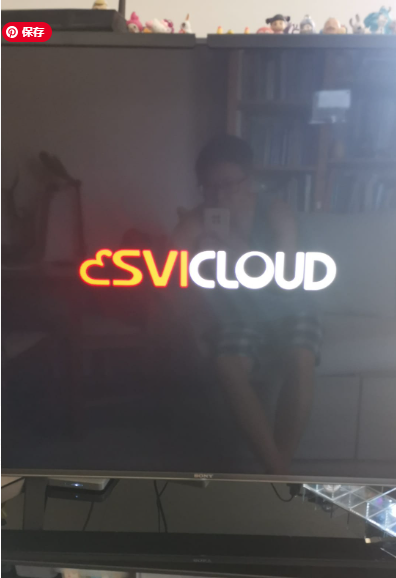
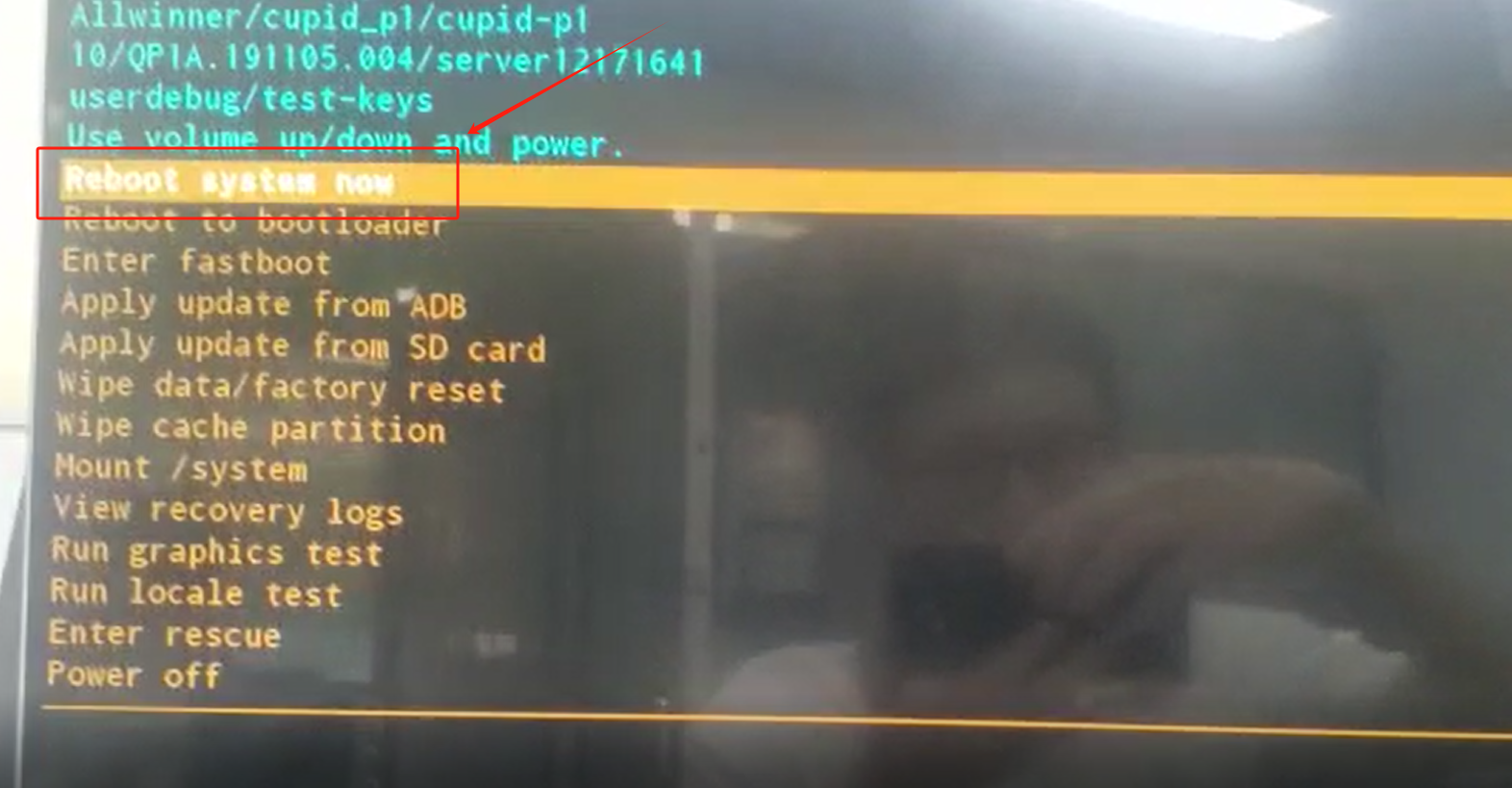
First of all, please try to reboot the system. Once the TV box is powered on, press the power button continuously 5-20 times until you see this page, then choose Reboot system now.
If this doesn't help, please ask your seller for a warranty or help. If it's over the warranty, please contact this WhatsApp number +60 11-7266 4142 or check if it can be fixed locally.
Please note that the SviCloud manufacturer has authorized their distributors to sell and do the after-sales service, and the manufacturer does not get involved with after-sales service directly with users. Please kindly note and contact your seller.
Also, for software issues(software that we provide, like Yogurt Apps, Wefun, and Cherry TV), when you exit the Yogurt TV App, there's a customer service contact number. Please contact that number. Thank you.
First of all, please try to reboot the system. Once the TV box is powered on, press the power button continuously 5-20 times until you see this page, then choose Reboot system now.
If this doesn't help, please ask your seller for a warranty or help. If it's over the warranty, please contact this WhatsApp number +60 11-7266 4142 or check if it can be fixed locally.
Please note that the SviCloud manufacturer has authorized their distributors to sell and do the after-sales service, and the manufacturer does not get involved with after-sales service directly with users. Please kindly note and contact your seller.
Also, for software issues(software that we provide, like Yogurt Apps, Wefun, and Cherry TV), when you exit the Yogurt TV App, there's a customer service contact number. Please contact that number. Thank you.



